
Wayfarer: a travel guide that fits a teacher’s or parent’s trip routine
Wayfarer is a travel guide for families on Android. It brings together places to see, places to eat, emergency contacts and everyday expressions for any destination you search.
Maths PDF offers printable worksheets, and this app is not one of them. It is for the teachers and homeschooling parents who also plan outings and holidays, and who like a clear weekly routine before they leave.

Get Wayfarer

At a glance
- Platform: Android (Google Play)
- Interface languages: French, English, Arabic
- Content: sights, restaurants, emergency numbers, phrases
- Offline: pages already viewed
- Account and ads: none
- iPhone: version in preparation
Why it helps teachers and homeschooling families
People who print worksheets are usually good at planning. A trip needs the same care: a list of places, opening hours, a map and a plan for emergencies. Wayfarer keeps those items in one app, so a field trip or a family holiday takes less preparation.
Features in detail
See and eat
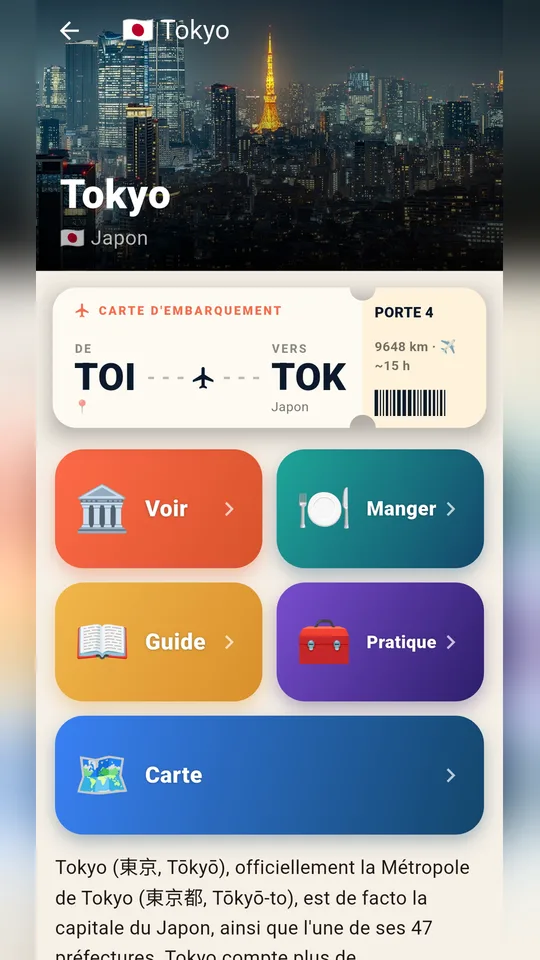
- Landmarks and places to visit on a timeline, each with pictures, a text and a route
- Excursions around the city
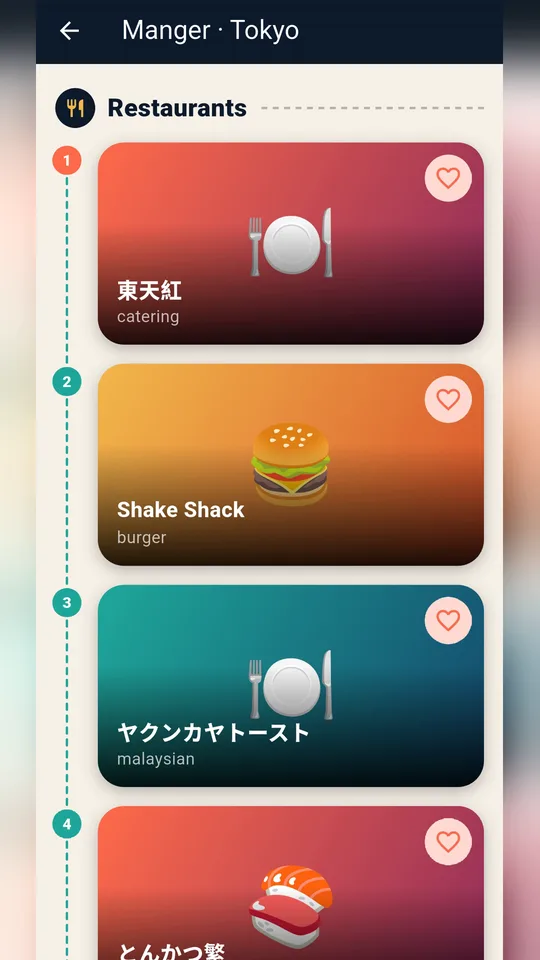
- Nearby restaurants, cafés and bars, listed with hours and phone numbers where the data exists
Guide and practical
- Entry formalities, health, budget and local customs to read before departure
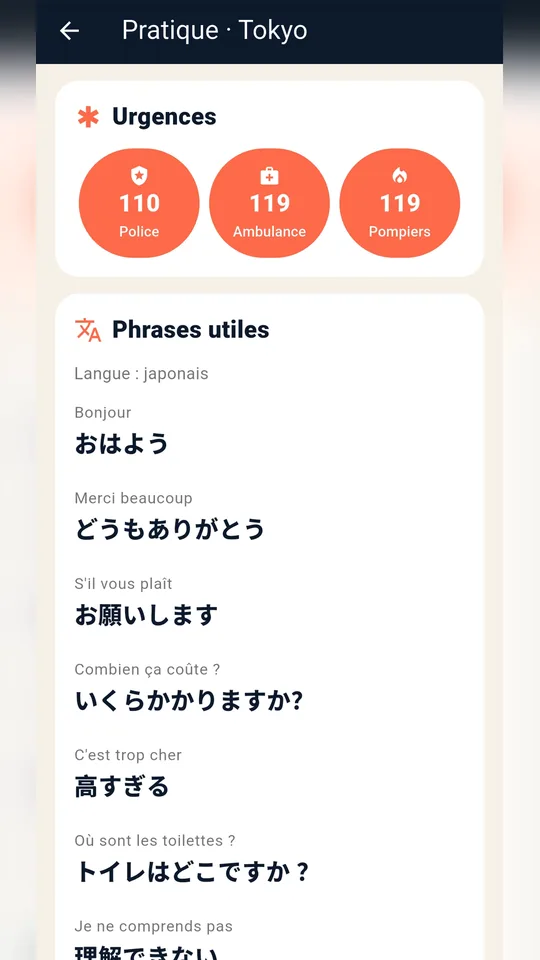
- The country’s emergency numbers one tap away
- Expressions translated into the language of the place
- One notebook per destination
Map and saved places
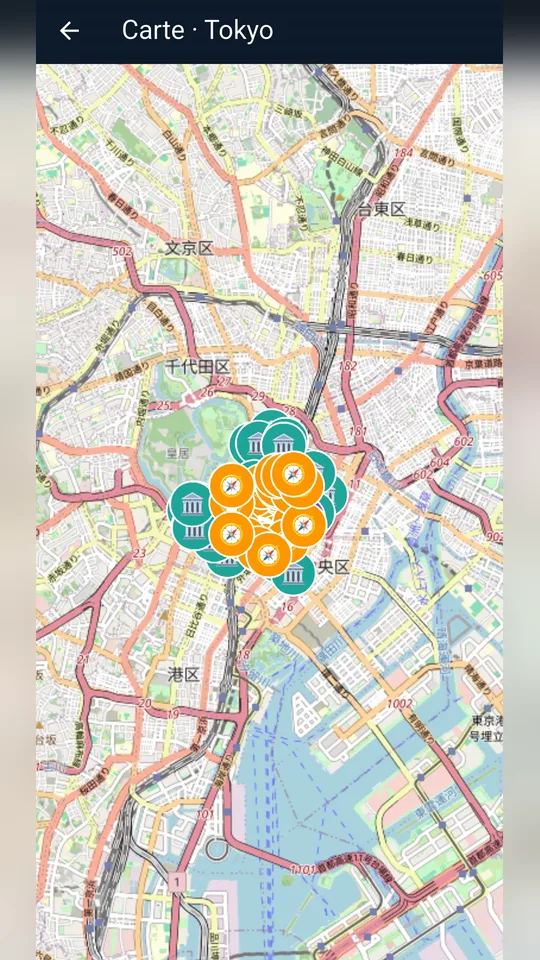
- Every place pinned on a map, with a walking or driving route in the app
- Favorites for the spots your group likes
- Pages already opened remain readable with no network
Getting started
- Install Wayfarer from Google Play on your Android phone.
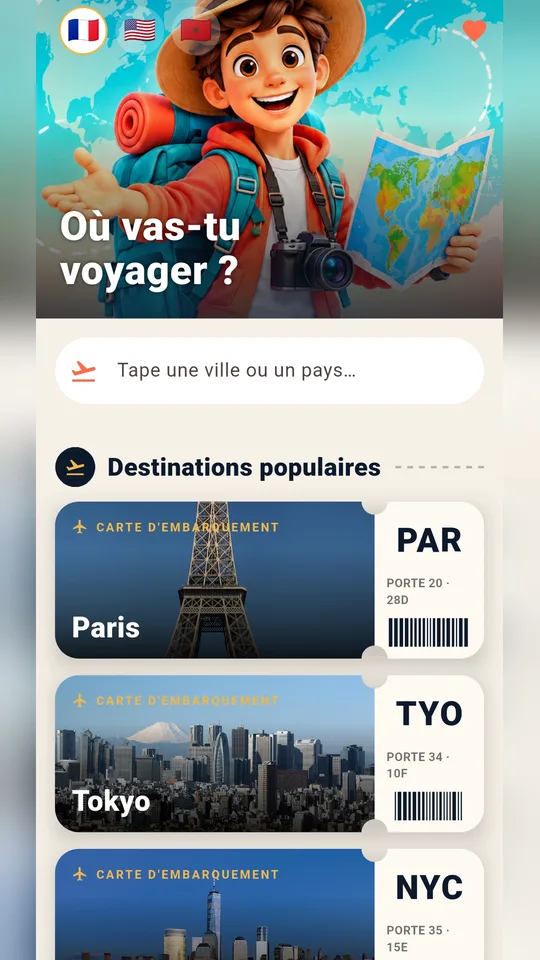
- Tap the flag of French, English or Arabic to set the language.
- Type the destination and open its boarding pass, which shows the distance and estimated travel time.
- Open the sections, save favorites and write notes for the group.
Good practices
Treat the app like a lesson plan. Review the destination the evening before, during your usual planning slot, while you still have a connection. Choose two or three sights per day rather than ten. Write the emergency number and the address of the lodging in the notebook.
If you travel with children, let them read the translated phrases aloud before the trip. Check that the map opens, and run one directions test at home.
The phone shares its position only so the app can measure distances and draw routes, and nothing is stored. No sign-up, no advertising. Wayfarer is on Android; for iPhone, a version is being prepared.
Next to the printable material
On this site you will find lessons, worksheets and tests to print. Wayfarer sits beside them for the other half of a week away from home. For the printed folder, browse the math worksheets, the math lessons and the math tests.
A weekly planning slot
The simplest habit is a fixed slot, for example Sunday evening. In ten minutes you can browse the destination, pick the places for each day and read the useful phrases aloud with the children. The notebook of the destination then holds the address of the lodging and the emergency number of the country.
A teacher organizing an outing can follow the same routine: pick the places, check opening hours when they are known, then start directions from the map. The information shown comes from maps and public sources, so it is wise to confirm an important opening time by another means.
Frequently asked questions
Which travel guide app works for a family trip on Android?
Wayfarer works well for a family trip. Typing one city name gives a list of places to visit, spots to eat, the local emergency contacts, a few expressions and a map. Nothing to sign up for, and no advertising.
Can I use Wayfarer for a class outing?
Yes. A teacher can check the sights, the nearby restaurants and the emergency number of the country, then write notes for the group. Pages already viewed stay available offline during the outing.
Is Wayfarer available in English?
Yes, the interface comes in French, English and Arabic, chosen with the flags on the home screen. Arabic is displayed from right to left. It is an Android app, and for iPhone a version is being prepared.
Does Wayfarer save where I am?
No. The position of your phone is used only to work out distances and directions and is never saved. Wayfarer collects no personal data and shows no advertising.