Histoire: the history worksheets app for your weekly routine
Histoire is an Android history worksheets app that is built around the US history curriculum, Grade 6 through AP. Each chapter has a lesson, 20 worksheets, a quiz and a test, and the app shows no ads and needs no sign-in.
Teachers and homeschooling families who already print math worksheets can use it as the on-screen half of a weekly plan. It belongs to the same family of sites as Histoire PDF.

Get Histoire

At a glance
- Platform: Android (Google Play)
- Levels: Grade 6 to AP
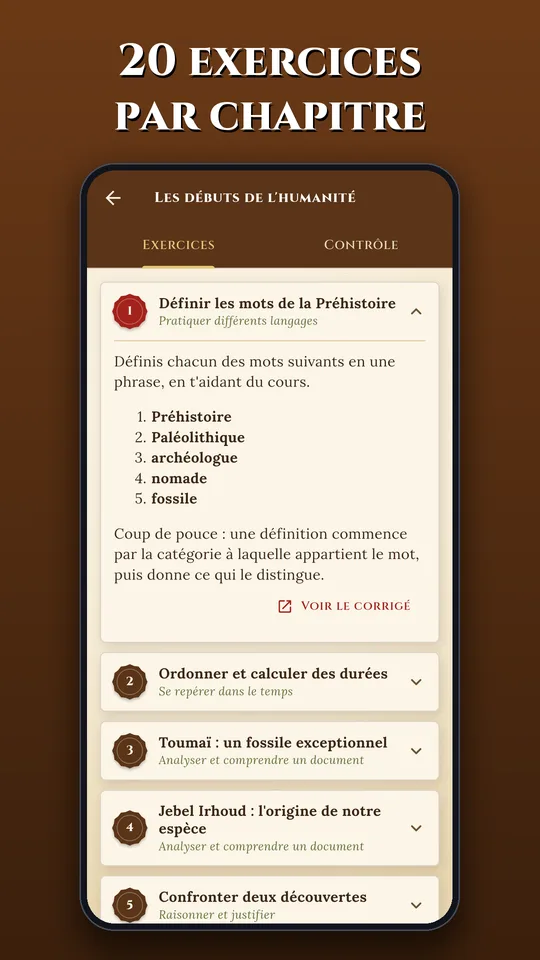
- Worksheets: 20 per chapter
- Interface: English and French
- Ads: none
- iPhone: in preparation
Why it helps teachers and homeschoolers
Printed worksheets are great for writing, but a printer is not always nearby and a binder gets heavy. Histoire keeps the lessons, quizzes and timeline on a phone, so a student can read a chapter on the bus and write on paper at the kitchen table. Teachers can point a class to a chapter without making another copy.
Features in detail
Lessons and timeline
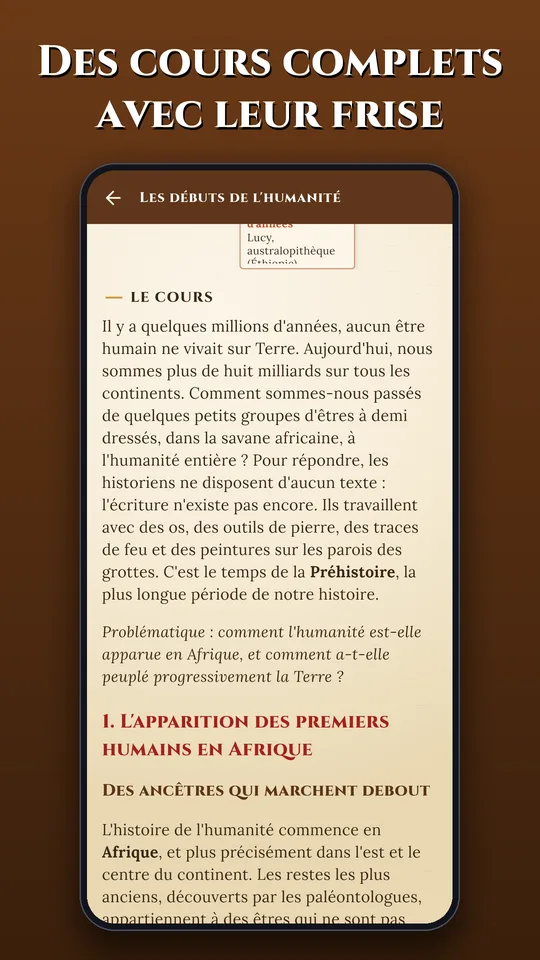
- Each chapter has a full lesson: a central question, its own timeline, vocabulary, texts from the period, maps, museum pictures and a recap.
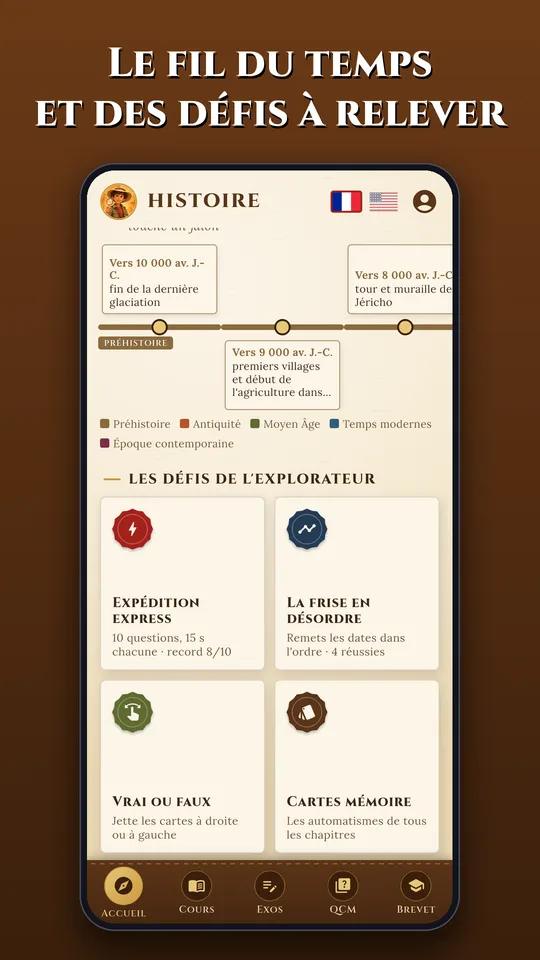
- One timeline from prehistory to today. Swipe through it and tap an event to open the matching lesson.
Practice
- Twenty worksheets in every chapter: analyzing documents, reading maps and timelines, vocabulary, and writing short paragraphs.
- A test for each chapter, with its own documents.
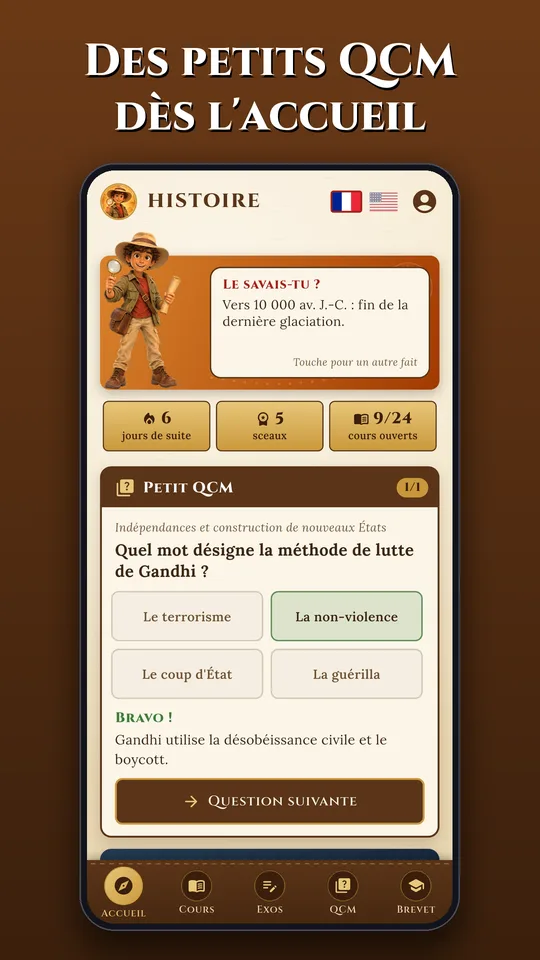
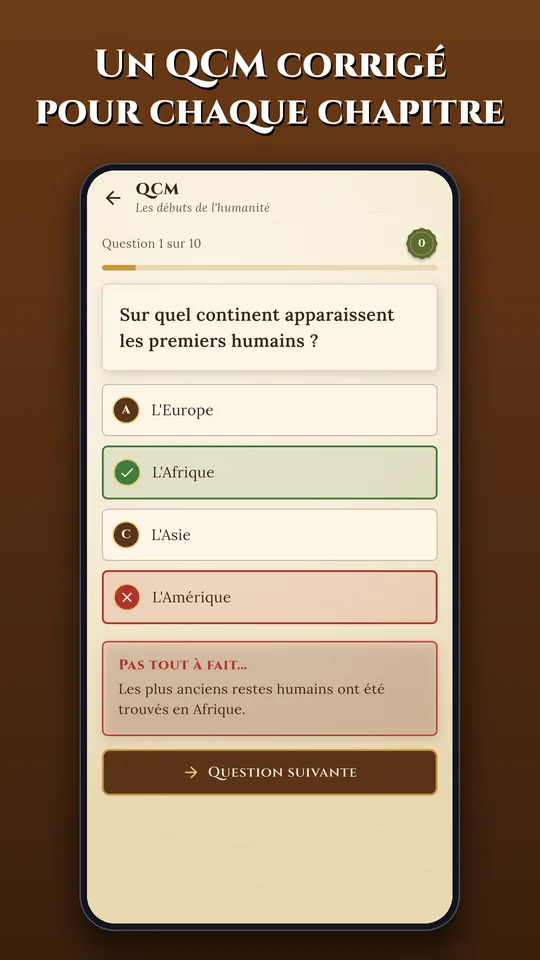
- A 10-question quiz and a true or false set per chapter, with an explanation after each answer.
Games and rewards
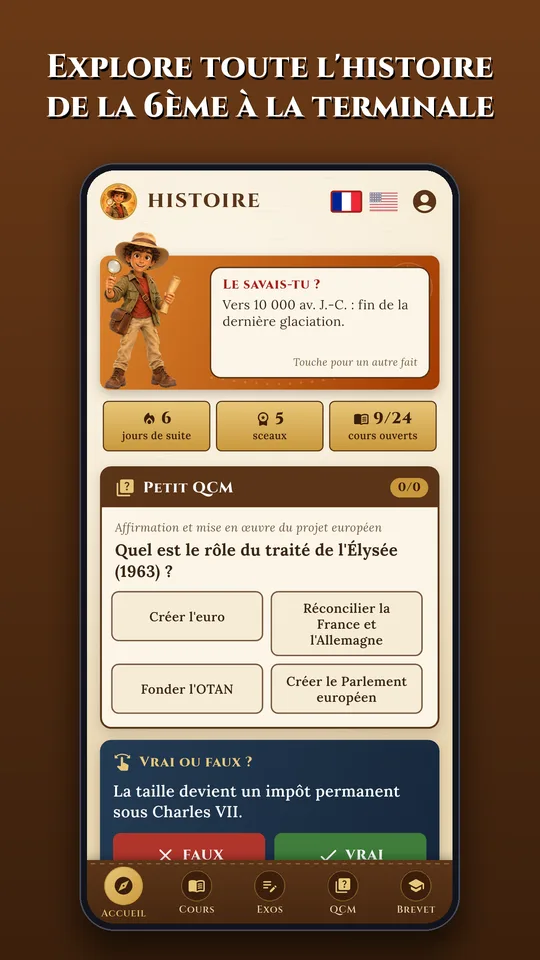
- A home screen with a quiz and a true or false question, plus a young explorer who tells a fact at each tap.
- A seal in the explorer’s notebook for 8 correct answers out of 10.
- Challenges: a timed express run, a scrambled timeline and flash cards.
Getting started
- Install the app on an Android phone or tablet.
- Open it; there is no account to create.
- Choose the grade, from Grade 6 (6ème) to AP, up to Grade 12 (Terminale).
- Pick the chapter that matches your week.
- Read the lesson, take the quiz, then print or write the worksheet work separately.
Best practices for a weekly routine
Plan three short slots: Monday for the lesson, Wednesday for the quiz and a challenge, Friday for the written work. Keep the answer keys apart: they are not in the app but on Histoire PDF, so the student cannot peek while working. Redo missed quiz questions the next week. On a shared family tablet, one chapter per day keeps things simple.
Where it fits on Maths PDF
Maths PDF supplies printable math worksheets. Histoire covers a second subject on screen, in the same calm style. Browse the our apps page for the full list of tools.
Compatibility
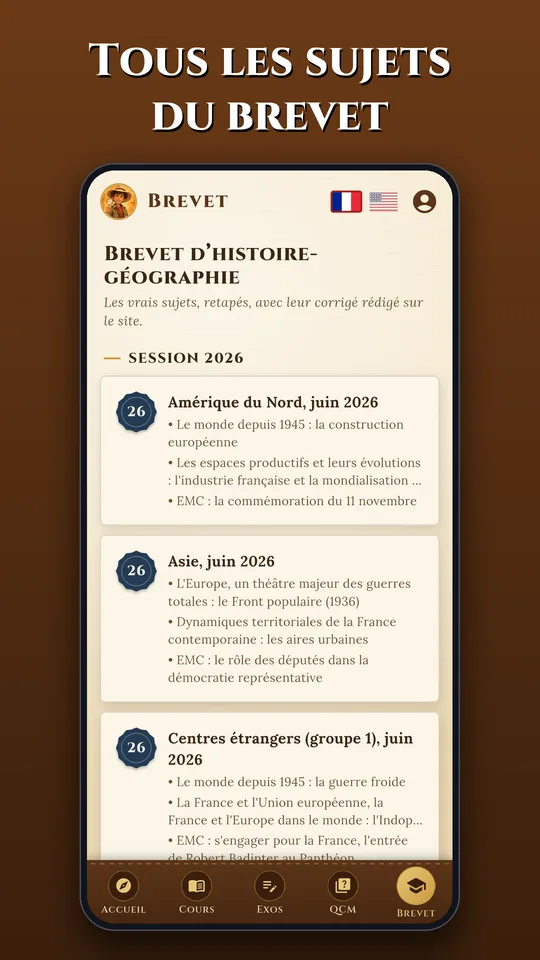
Histoire installs from Google Play on Android devices, and the iPhone edition is still being prepared. The English version covers US history, and the interface also exists in French, where the French brevet papers are included.
Notes for a mixed-age household
Families with several children can let each one choose a grade level on the same tablet. A Grade 6 (6ème) student may enjoy the explorer and the flash cards, while an older student working toward AP can spend more time on document analysis and written paragraphs. Taking turns on one device, with a short timer, keeps the routine fair and the screen time under control.
Frequently asked questions
Is there a history worksheets app for Grade 6 to AP?
Yes. Histoire runs on Android and covers US history at every level from Grade 6 through AP. Every chapter brings a lesson, 20 worksheets, a quiz and a test, with no ads and no account.
Can I use the app next to printed worksheets?
Yes. Many families read the lesson and take the quiz on screen, then do the written work on paper. The answer keys and printable PDF sheets are available on Histoire PDF, a sister site, not in the app.
How do teachers use Histoire with a class?
A teacher can assign a chapter, ask students to read the lesson and finish the 10-question quiz, then collect written work on paper. A student who gets 8 out of 10 earns a seal in the explorer's notebook.
What devices does the Histoire app support?
Android phones and tablets, installed from Google Play. The iPhone edition is not out yet, and Windows is not supported. You can choose English or French for the screens.