AICKO MAIL: an email app for teachers that fits your weekly worksheet routine
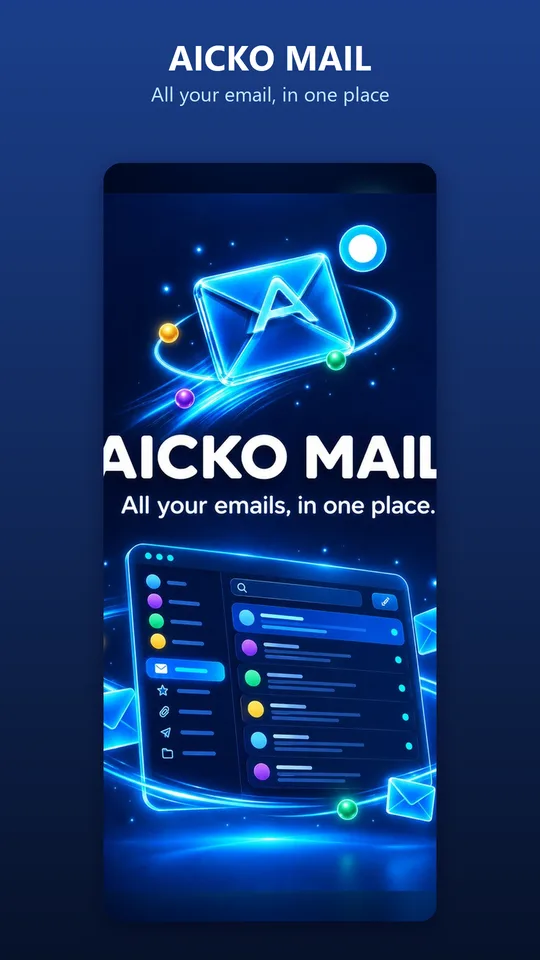
AICKO MAIL is an email app for teachers and homeschooling parents on Android that manages several mailboxes in a single list. It requires no AICKO account and carries no ads.
Printable worksheets keep the learning on paper, yet the planning, the sharing of answers and the messages to families all travel by email. A calm inbox makes that weekly rhythm easier.
Get AICKO MAIL
At a glance
- Platform: Android (Google Play)
- Companion: AICKO MAIL for Windows (Microsoft Store)
- Sync: QR code, local and encrypted
- Signatures: one per account
- iPhone version: in preparation
- Advertising: none
Why an email app for teachers matters when you print worksheets
A teacher or a homeschooling parent often juggles a school address, a personal one and sometimes a tutoring address. The week follows a pattern: choose worksheets on Monday, print them, collect scans on Friday, answer questions from families on the weekend. Each step produces messages and attachments. Without a method, a scanned page ends up lost among newsletters. AICKO MAIL gives that routine a tidy home on the phone.
Features in detail
Reading and sorting
- A combined inbox for all accounts, plus a view for each.
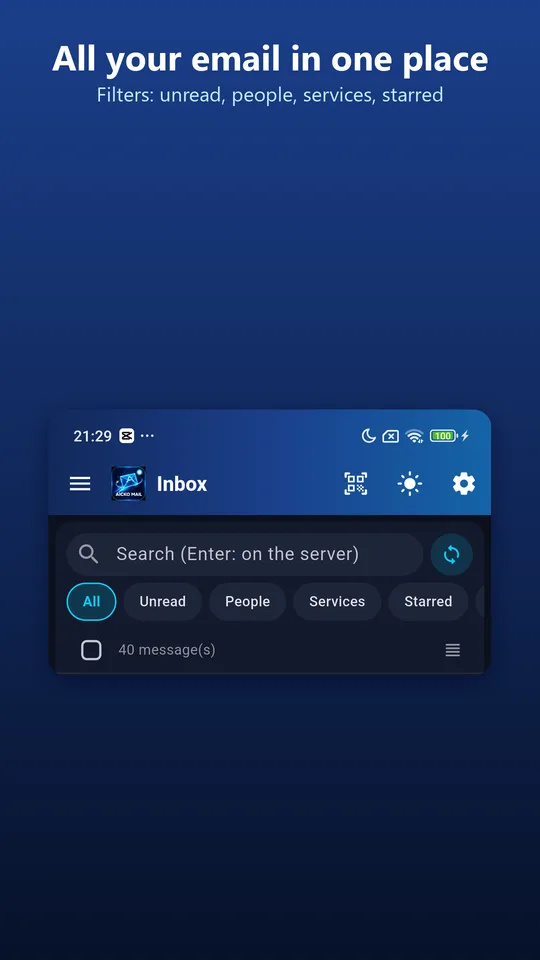
- Filters for unread, people, services, favorites and attachments, with search.
- Remote images blocked by default, with a counter of trackers stopped in each message.
Writing
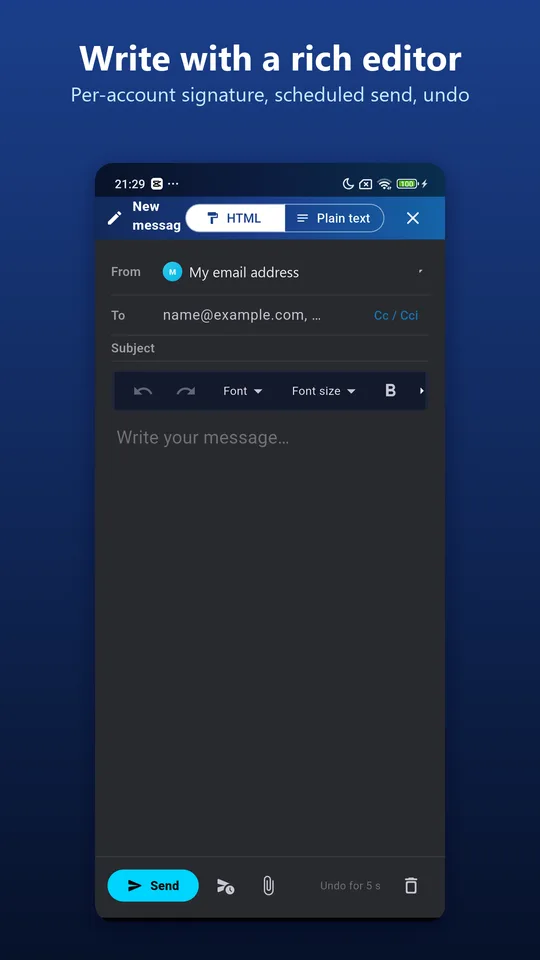
- A rich editor with bold, italics, colors, lists, links and images.
- A different signature for every account, such as a school one and a home one.
- A warning when your text mentions an attachment you did not add.
Timing
- Scheduled sending, so Sunday evening drafts arrive on Monday morning.
- An undo window right after you send.
Taken together, these tools support a simple weekly cycle. On Monday you receive the plan, on Wednesday you answer questions, on Friday you gather the finished pages. A color for each class lets you see in one glance which group still owes work, and the people filter hides automatic notices while you grade or reply.
Getting started
- Find AICKO MAIL in Google Play and install it.
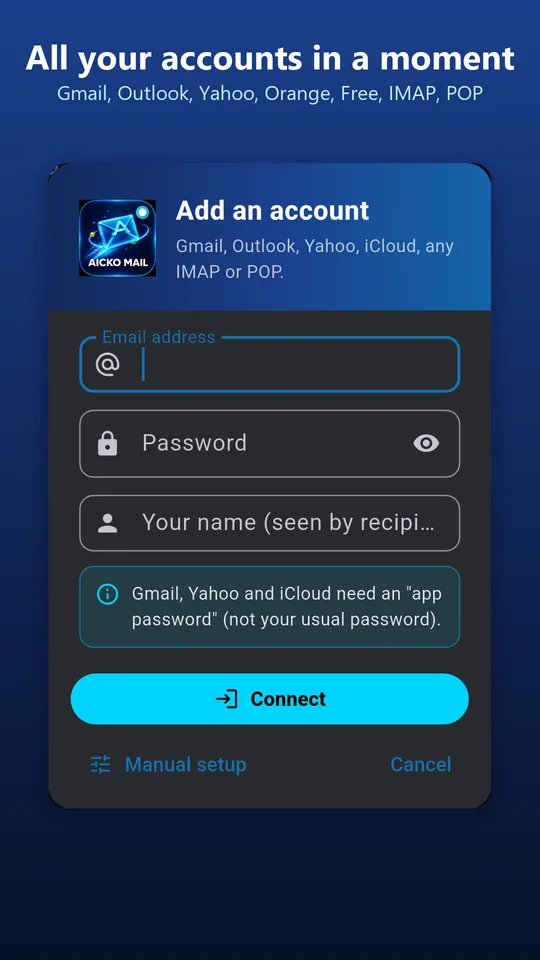
- Add your first account; the app recognizes the provider settings for Gmail, Outlook, Yahoo, iCloud, Orange and OVH on its own.
- If the provider is Gmail, Yahoo or iCloud, request an app password from them and type that instead.
- Label each account with a short name and a color of your choice.
- Open the attachments filter to see which worksheets and scans have already arrived.
Good practices
Keep one account color per class or per child, and use favorites for the worksheet set you plan to print next. Schedule feedback messages so that they reach families at a reasonable hour. Before sending a scan, glance at the attachment warning. To keep the same accounts on a computer, install the Windows program described on the AICKO MAIL page; it imports your accounts by QR code, locally and encrypted, without any server in between.
If you need material for the week, the Algebra 1 (3ème) section of Maths PDF offers worksheets to print and answer keys to check. The email app handles the other half of the routine: receiving, filing and returning work.
The interface is available in English and French, in day and night modes. Passwords stay on your device. An iPhone version is in preparation.
Frequently asked questions
Which email app works well for managing several school and personal accounts?
On Android, AICKO MAIL covers Gmail, Outlook, Yahoo, iCloud, Orange and OVH, along with other IMAP, POP or SMTP mailboxes. A combined inbox, colors per account and separate signatures keep school and personal mail apart.
How do I find a scanned worksheet that a student emailed me?
Switch on the attachments filter so that only messages with files appear, then use search with the sender's name or a word from the subject. Marking the message as a favorite also keeps it in a short list.
Can I use different email signatures for different accounts?
Yes. AICKO MAIL stores one signature per account, so a school address can end with a formal line and a personal address with a lighter one. You edit each signature in that account's settings.
Does AICKO MAIL send my passwords to a server?
No. Passwords are stored only on your device, in the system's secure storage. Messages go straight from your email provider to your phone, and there is no AICKO account or intermediate server.